Give your AI agent
a body.
A native macOS desktop pet that runs the AI coding agent you already use — talk to it, and watch it work. Zero extra AI cost. Fully private.
By joining you agree to receive occasional launch updates — no spam, unsubscribe anytime. See ourPrivacy Policy.
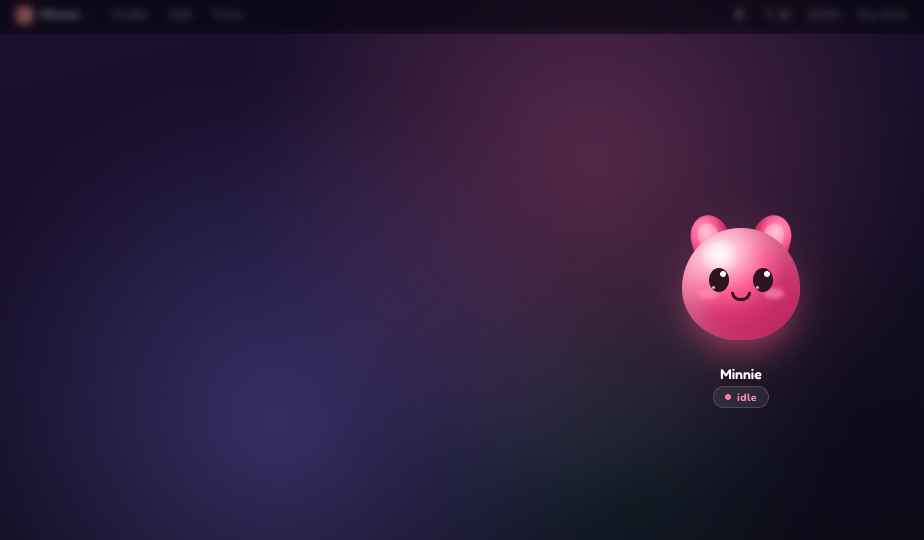
Hover over the card to see her sit up!
Chatbots talk. Minnie executes.
Sits on top of the AI coding agents you already pay for to add a body, local voice command, and real-time consent feedback.
Executes, doesn't just chat
Minnie drives your CLI agent to build real files, run shell commands, perform research, and solve errors. A browser chatbot just talks; Minnie does.
Asks permission aloud
Before executing a command or writing a file, Minnie speaks the action: "I want to run pytest. Ok?". Reply with your voice to allow, deny, or automate.
Local, private, secure
Fully on-device Apple voice synthesis, a local agent CLI interface, and zero third-party telemetry. Your private codebase, secrets, and auth remain safe on your Mac.
Bring your own agent + skills
Minnie sits on top of your existing CLI agent. Zero switching cost, and zero extra AI usage fees.
Watch Minnie work in real-time
Click through the interactive timeline to see Minnie diagnose a test failure, request consent, and apply the fix.
Hey there! Click "Start Demo" below to see how I help you code.
I want to append the mock authentication payload. Ok?
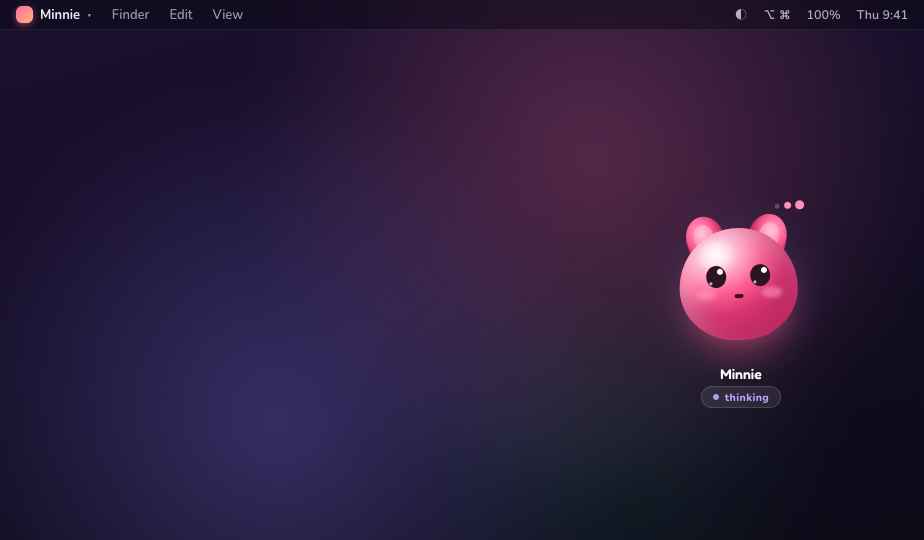
Deny is a hug, not a scold.
Every terminal command, every file edit, and every workspace read is gated by a consent screen. If you say no, she steps back immediately. No broken terminal sessions, no corrupted configurations, and no unexpected changes.
Allow once
Approve only the immediate next action.
For session
Auto-approve safe reads for the next hour.
Default mode
Interactive review of edits + command approvals.
Plan mode
Research and draft suggestions without modifications.
Nothing leaves your Mac unless you ask.
Minnie is local-first to the core. Your code, your conversations, and your secrets stay on your machine — no exceptions, no fine print.
On-device voice
Apple's local speech synthesis by default — or bring your own key. Your words are transcribed and spoken on your Mac.
Your local agent CLI
Minnie drives the agent already installed on your machine. The reasoning runs where your code lives, not on our servers.
No screen capture
She never watches your screen or records your desktop. She only sees what you ask her to work on.
Zero telemetry
No analytics, no phone-home, no usage tracking. Nothing leaves your Mac unless a tool you approved sends it.
Secrets in the Keychain
API keys and connector tokens live only in your macOS Keychain — encrypted by the OS, never in plaintext or the cloud.
Yours, on your terms
Delete her memory of you anytime. No account required to run the app. Local-first, always.
She's your pet. Not a corporate assistant.
Customize species, voices, and personalities. Minnie adapts to your vibe, not the other way around.
"Oh, another error? Let me guess, typo on line 42 again?"
Connect all your developer tools
Connect GitHub, Notion, Slack, and your databases over Model Context Protocol (MCP) — or Sign in with Google for native Workspace support.
GitHub
Verify active pull requests, create issues, search repositories, and sync code branches directly through voice commands.
Notion
Read project specifications, write design documents, and append technical notes to your team's knowledge workspace.
Slack
Send success alerts to your deployment channel or fetch message history from teammates without switching applications.
Postgres & MySQL
Verify table structures, run safe local migrations, and validate mock data values when writing backend integrations.
Google Workspace
Sync email digests, fetch calendar schedules, and check chat updates. Native Sign-in with Google keeps setup simple.
Custom MCP Tools
Connect any local scripts or private MCP tool servers by adding their startup definitions to your local configuration.
Why Minnie?
How Minnie compares to browser-based chatbots and standard command-line tools.
| Capability | Minnie Pet | Web Chatbot | Standard CLI Agent |
|---|---|---|---|
| Executes tasks locally on your Mac | ✓ Yes | ✗ No | ✓ Yes |
| Voice command + consent cloud | ✓ Yes | ✗ No | ✗ No |
| Ambient status indicator (Moods) | ✓ Yes | ✗ No | ✗ No |
| Lives natively on your desktop | ✓ Yes | ✗ No | ✗ No |
| On-device local privacy | ✓ Yes | ✗ No | ✓ Yes |
| Uses your own agent keys (No markups) | ✓ Yes | ✗ No | ✓ Yes |
One-time purchase, yours forever
No monthly bills, no recurring subscriptions, and zero extra markup fees on your AI usage.
Minnie License
Limited to the first 500 developers.
- ✓Bring Your Own Agent (No AI cost)
- ✓macOS App DMG (Windows coming)
- ✓Lifetime license & free updates in v1
- ✓Local speech synthesis & key storage
🛡️ 30-day money-back guarantee post-launch.
Frequently Asked Questions
Everything you need to know about Minnie's architecture, security, and setup.
No. Minnie drives the agent CLI you already use; it holds its own auth and does the reasoning. Zero extra AI cost.
Claude Code today (full experience). Gemini CLI, Codex, Antigravity, and custom command-line agents are supported (they run more autonomously — the voice-consent flow is Claude Code for now).
Yes — on-device voice by default, a local agent CLI, no screen capture, no telemetry. Secrets live in your macOS Keychain. Nothing leaves your Mac unless a tool you approved sends it.
Install the agent CLI once (e.g. Claude Code) and log in; Minnie's onboarding walks you through it.
Yes — a one-click MCP catalog (GitHub, Notion, Slack, Postgres, Figma…), custom servers, and native Sign in with Google for Gmail / Calendar / Chat.
macOS first. Windows is on the roadmap.
Give your AI agent
a body.
Join the waitlist and lock in $9(instead of $19) when Minnie ships. No spam — one email on launch day.
By joining you agree to receive occasional launch updates — no spam, unsubscribe anytime. See ourPrivacy Policy.